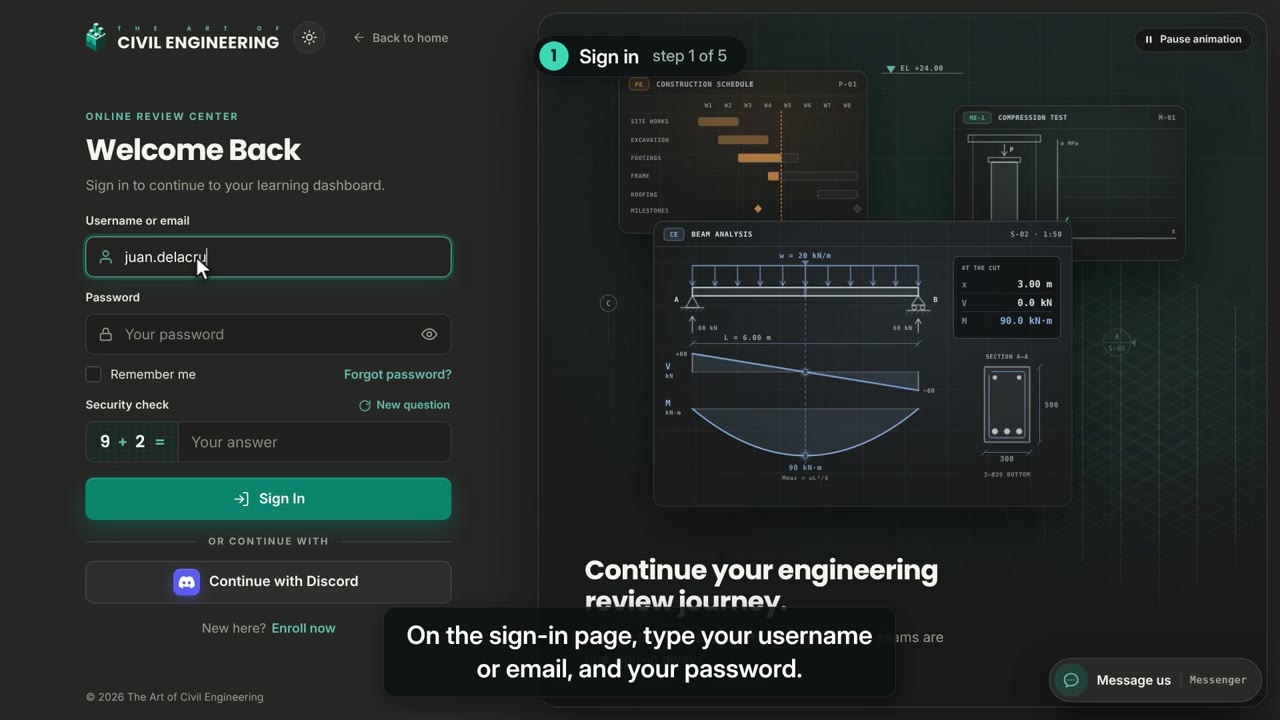
Signing in, your Home page, the top bar, the menu and All pages, in Simple view.
This video shows Simple view. Watch it in Full view
Short videos that walk you through the site, answers to common questions, and how to reach us.
Signing in, your Home page, the top bar, the menu and All pages, in Simple view.
This video shows Simple view. Watch it in Full view

The two ways the site can look, choosing one, and switching at any time.
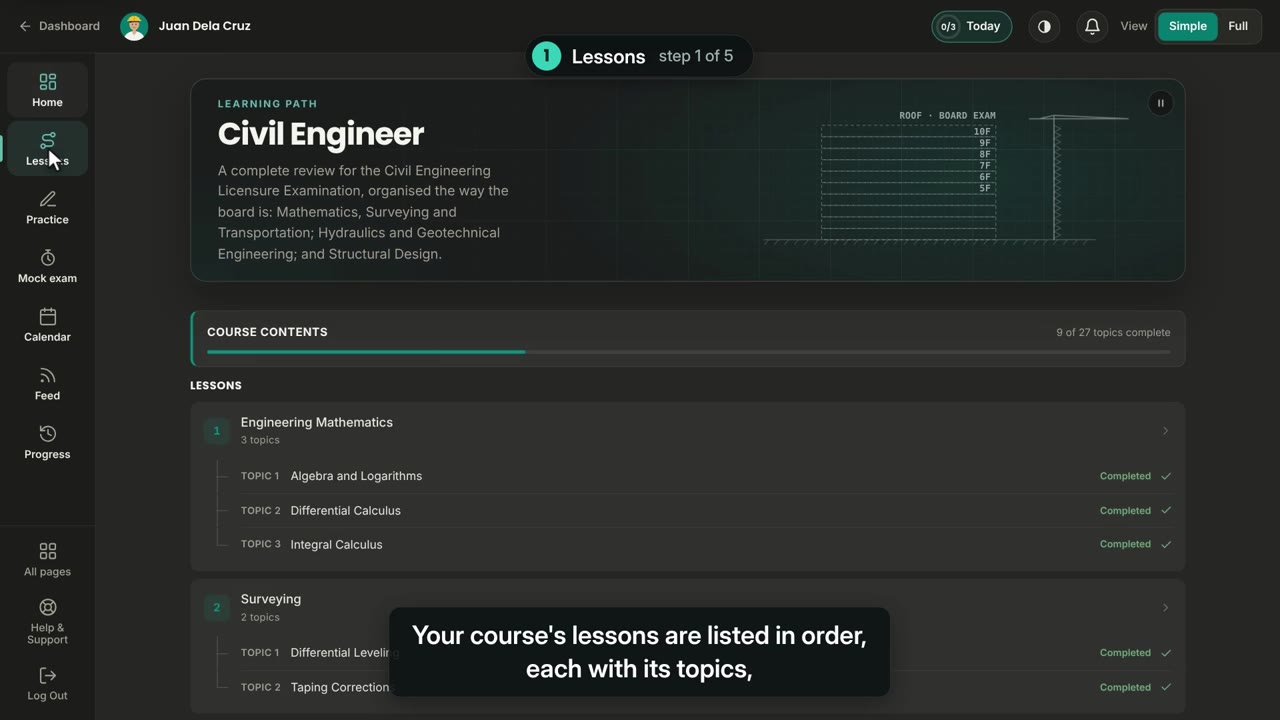
Opening a lesson, the lecture page's sections, downloading its notes and recordings, and marking it complete, in Simple view.
This video shows Simple view. Watch it in Full view
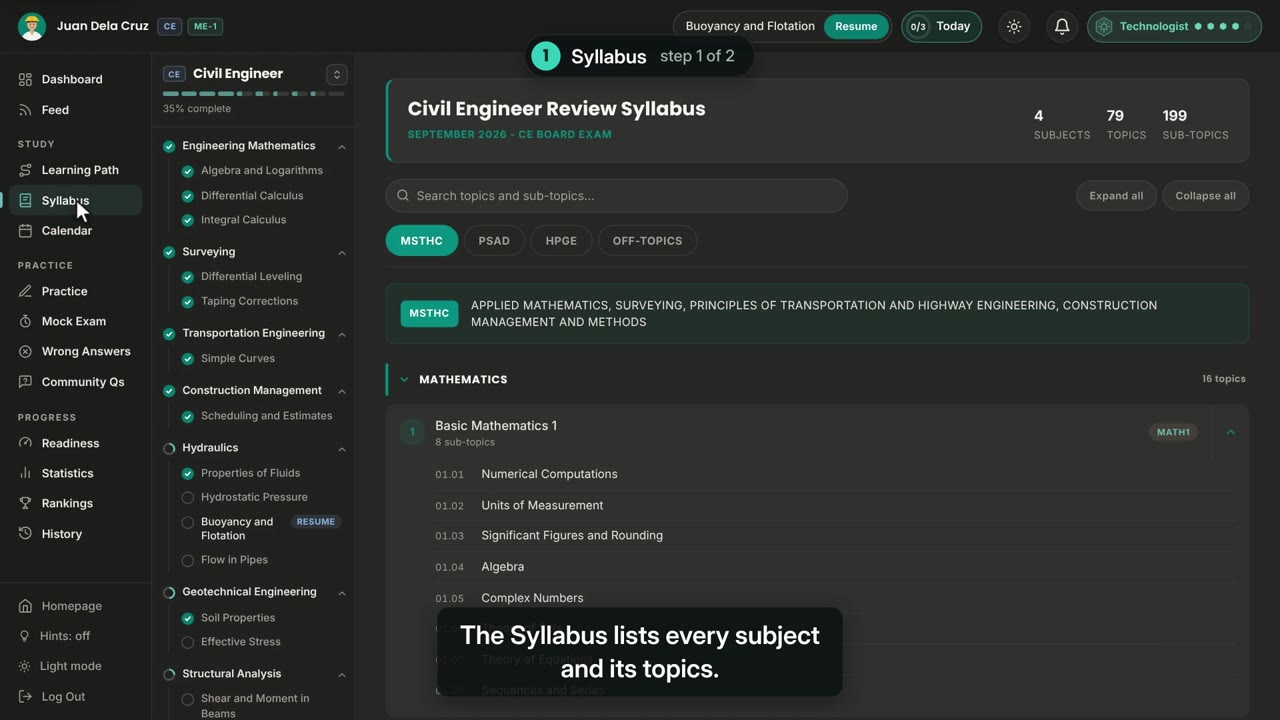
Finding a topic in the Syllabus, and reading your review schedule in the Calendar.
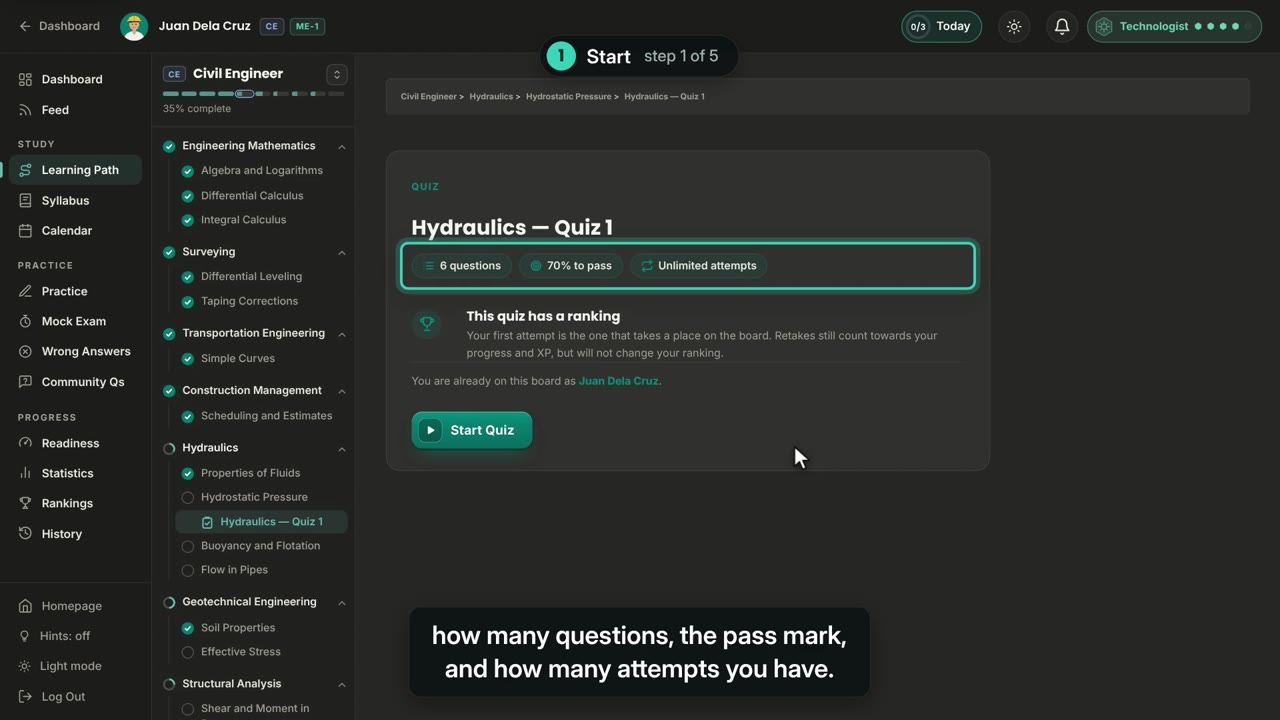
Starting a quiz, answering, reporting a mistake, your result, and ranked quizzes.
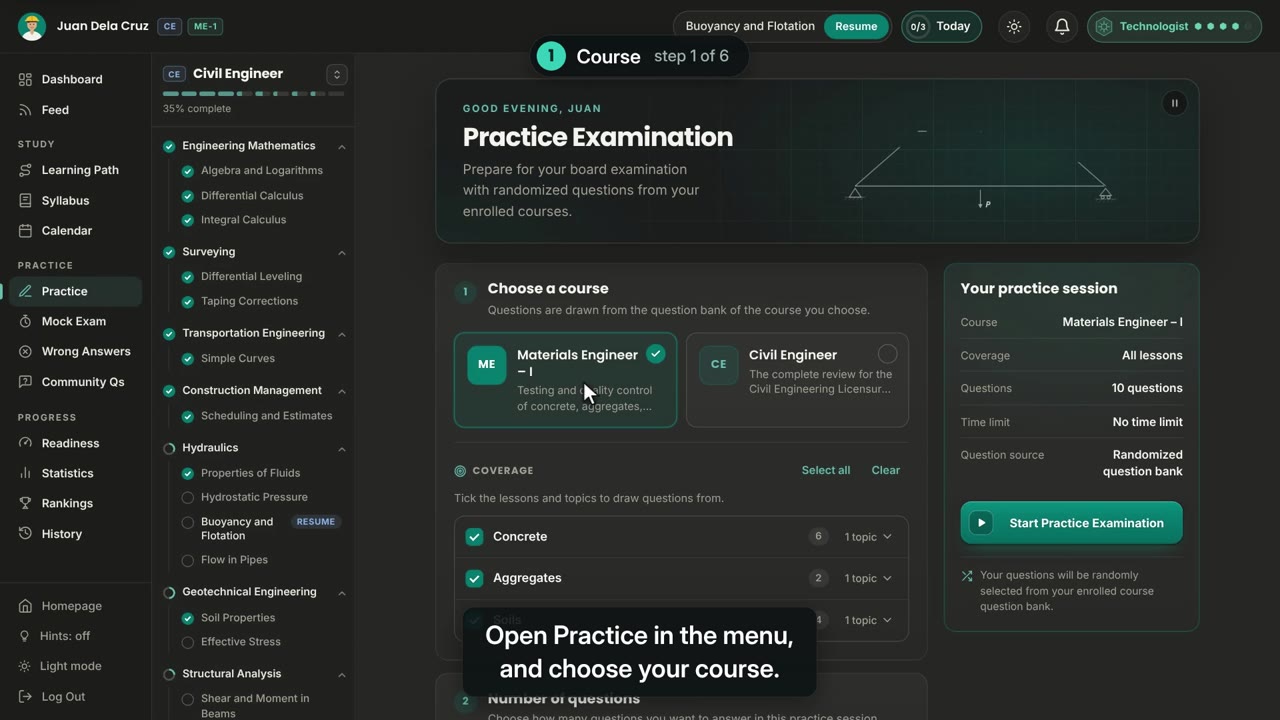
Choosing what to practice, how many questions and how long, and reviewing your answers.
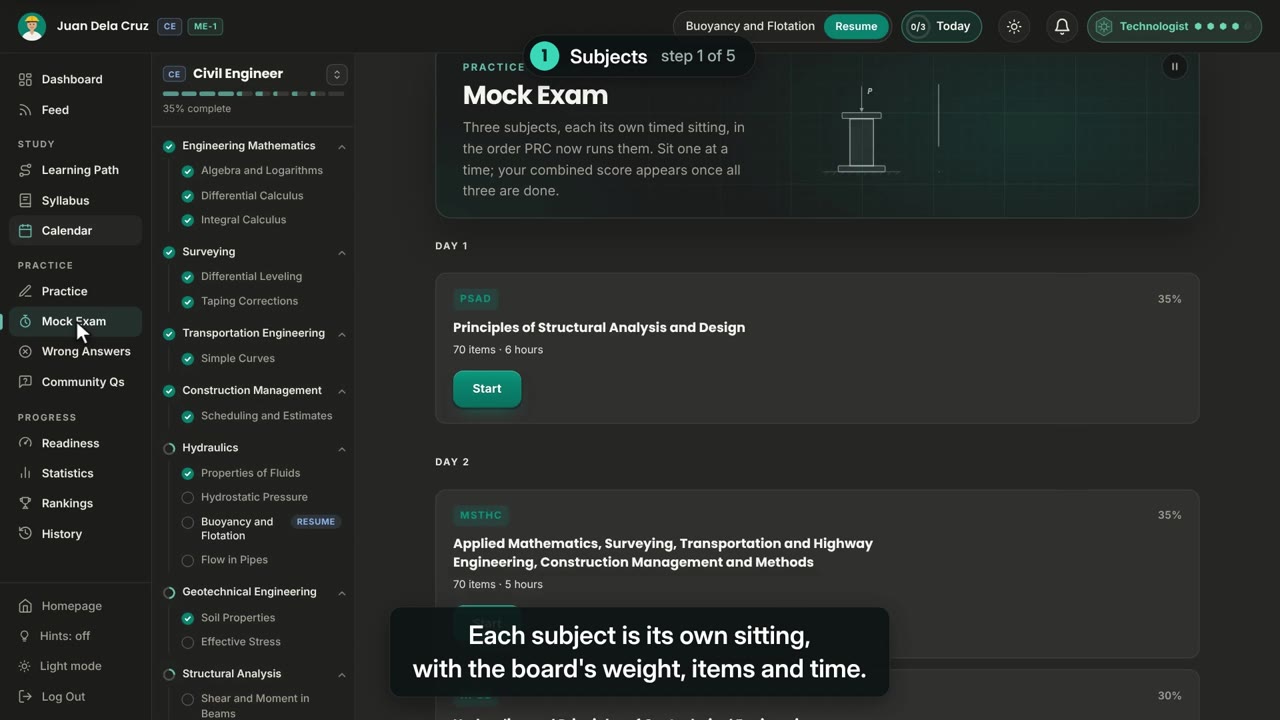
Sitting a timed board subject, the question grid, handing in, and Readiness.
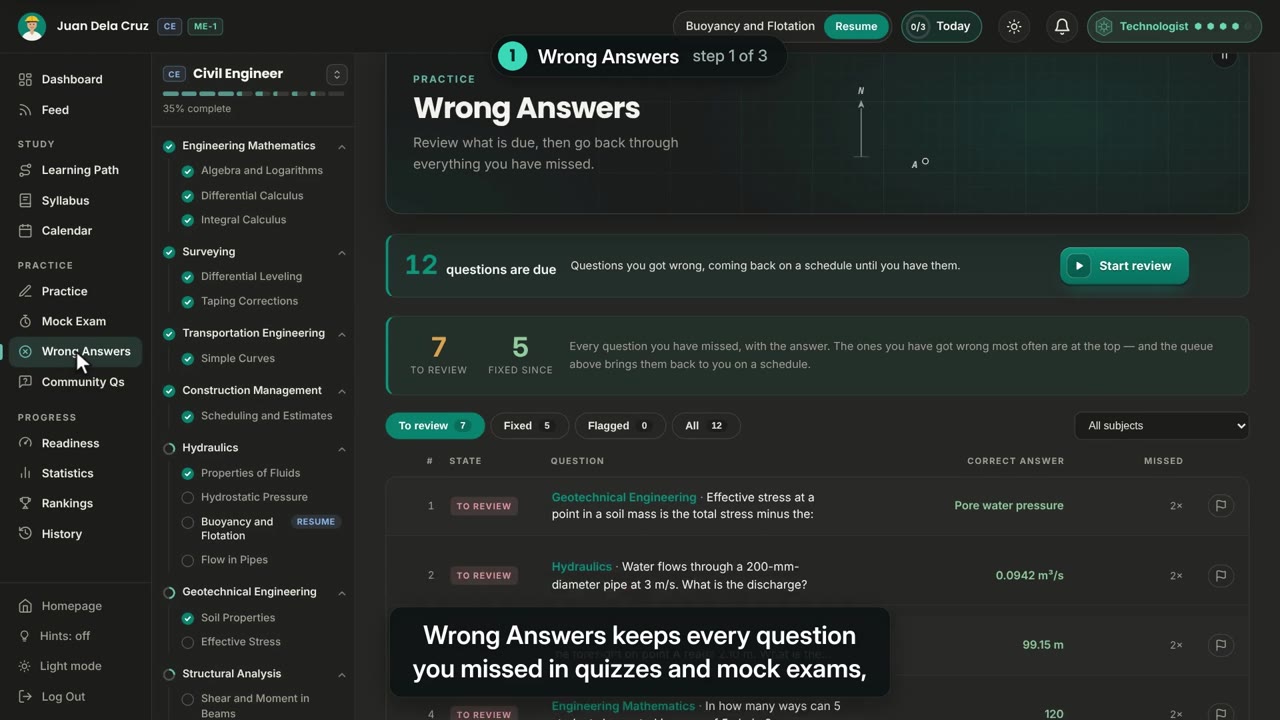
Reviewing the questions you missed, and your Statistics and History.
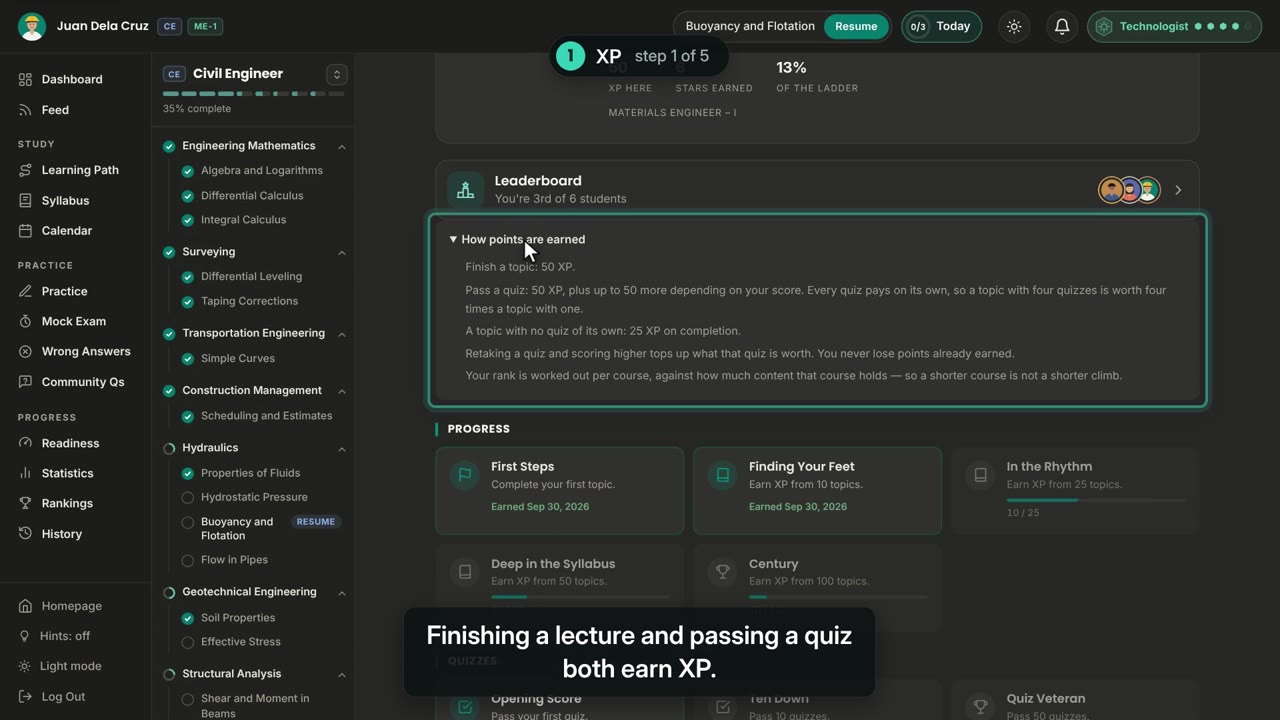
Earning XP, daily tasks, achievements, quiz rankings and the Leaderboard.
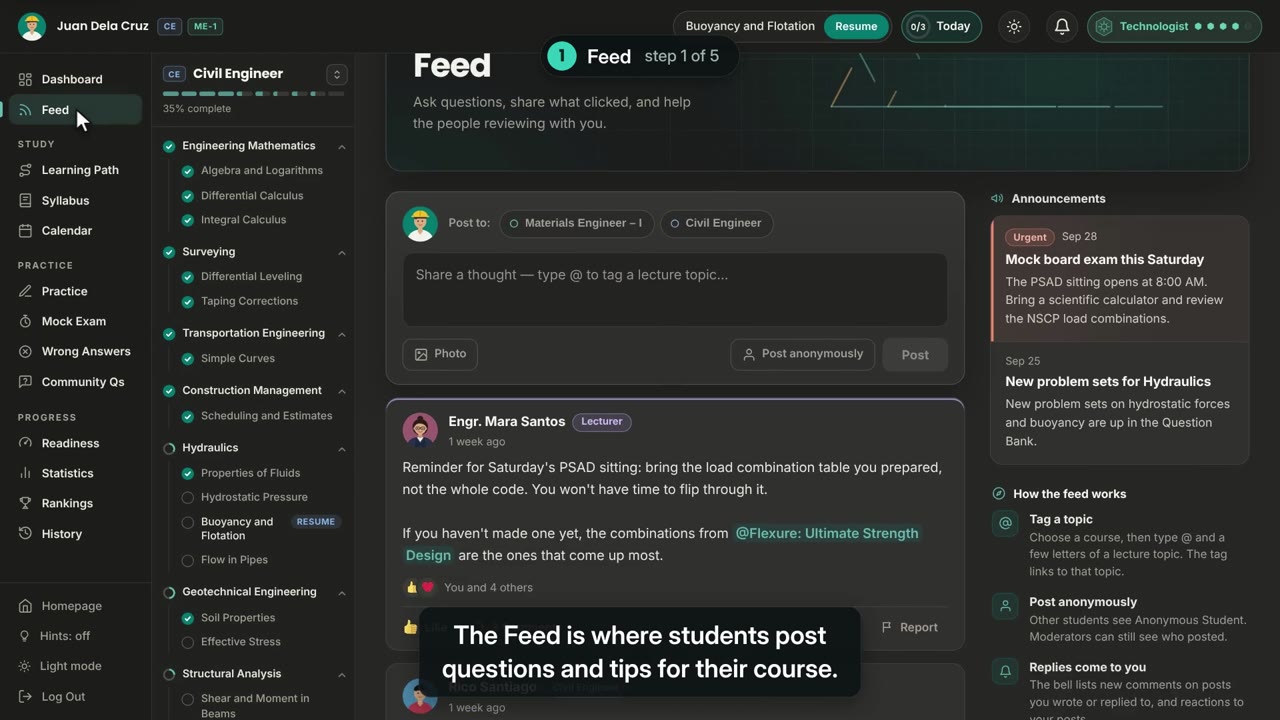
Posting on the Feed, reacting and commenting, Community Questions, and notifications.

Your profile photo and details, changing your password, and light or dark mode.
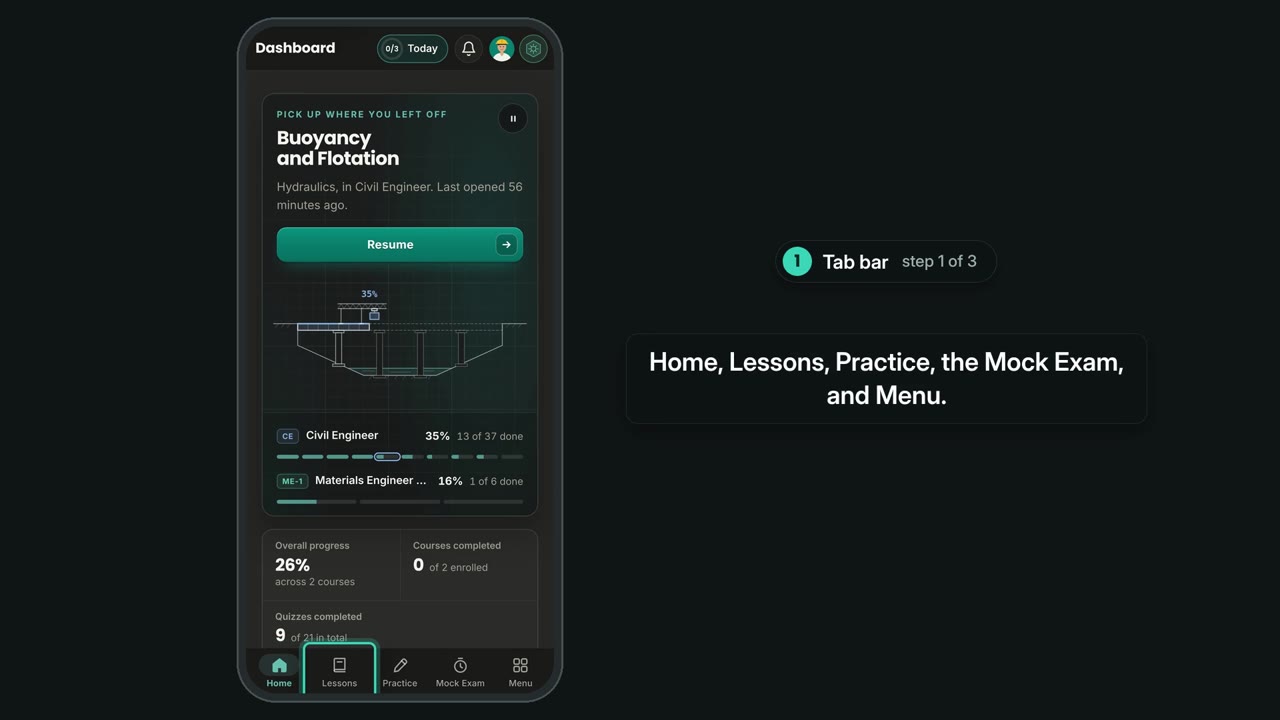
The tab bar, the menu, and adding the site to your home screen.
1:15
Now showing
Watched
Part 1
Signing in and getting around
0:59
Now showing
Watched
Part 2
Simple view and Full view
1:06
Now showing
Watched
Part 3
Lessons and lectures
0:33
Now showing
Watched
Part 4
The Syllabus and the Calendar
0:58
Now showing
Watched
Part 5
Taking a quiz
0:50
Now showing
Watched
Part 6
Practice
0:43
Now showing
Watched
Part 7
The Mock Exam
0:35
Now showing
Watched
Part 8
Wrong Answers and your progress
0:41
Now showing
Watched
Part 9
XP, ranks and the Leaderboard
0:39
Now showing
Watched
Part 10
The Feed and Community Questions
0:39
Now showing
Watched
Part 11
Your profile and settings
0:29
Now showing
Watched
Part 12
On your phone
A direct line
Message us on Messenger
Ask about enrolling, your account or a course. This opens a chat with our Facebook page.
Open Messenger (opens in a new tab)You need a Facebook or Messenger account.